Customers Login
Merchants Login
Es
ProductsHelpEs
ProductsHelpEs
Customers Login
Merchants Login

Welcome to Snap Loan

Experience the difference Snap Loan® can make for your business. This no credit needed1 bank-sponsored loan program can help you reach more customers, close the sale, and increase your revenue.

A man examines tires; two people move a wrapped chair in a home; a black car wheel and a yellow chair are superimposed next to each scene.

Before you can offer Snap Loan

Complete a few simple onboarding steps to prepare for your activation. Please be prepared to provide your Merchant Identification Number (MID), first and last name, and company name during the onboarding process.

Once you have met (virtually or in person) with your Snap sales representative and verified that you've completed the required onboarding steps, you'll be moved to our queue to be activated. Your sales representative will communicate with you about expected timelines.

Illustration of a document, envelope, and pen icon, surrounded by colorful dots and lines on a white background.

1. Sign the latest version of our merchant agreement

Check your primary contact’s email for the updated agreement to sign and return. The email is from noreply@snapfinance.com.

Illustration of a storefront with a green awning, surrounded by icons of a checklist and a verified sign, with colorful accents.

2. Sign the attestation for outdated POP removal

Confirm that all outdated point-of-purchase (POP) marketing materials have been removed or replaced by signing the attestation. Please contact your ASM or CSM for a list of materials that are no longer current.

Illustration of a "Snap Certification" certificate with a yellow seal and colorful accents on a white background.

3. Sign the attestation for merchant training certification

Complete Snap Certification and training for every customer-facing representative at your location and sign the attestation.

Illustration of a document, envelope, and pen icon, surrounded by colorful dots and lines on a white background.

1. Sign the latest version of our merchant agreement

Check your primary contact’s email for the updated agreement to sign and return. The email is from noreply@snapfinance.com.

Illustration of a storefront with a green awning, surrounded by icons of a checklist and a verified sign, with colorful accents.

2. Sign the attestation for outdated POP removal

Confirm that all outdated point-of-purchase (POP) marketing materials have been removed or replaced by signing the attestation. Please contact your ASM or CSM for a list of materials that are no longer current.

Illustration of a "Snap Certification" certificate with a yellow seal and colorful accents on a white background.

3. Sign the attestation for merchant training certification

Complete Snap Certification and training for every customer-facing representative at your location and sign the attestation.

All customer-facing representatives must watch a video and complete a short quiz to get Snap Certified.

"Snap loan card surrounded by icons: TV, sofa, necklace, laptop, and car wheel, illustrating various financing options."

How Snap Loan works for your business

Download and read Your Guide to Snap Loan. This document provides important information for Snap Partners, including:  

• Product information, including fees, rates, and payment options
• Compliant language to use with customers
• Answers to frequently asked questions
• Advertising guidelines
• Prohibited merchant activities

Cover of "Your Guide to Snap Loan" with two men discussing near tires, one holding a clipboard, download icon present.

Customers apply in minutes, get a decision in seconds

Customers can complete a Snap Loan application by scanning a QR code or using text-to-apply on their smartphone.

Or go to your Merchant Portal and select one of the following options:

• New Application 
• Text Application

Man in a beige shirt smiles at his phone, standing in front of stacked tires on orange shelves in a store.

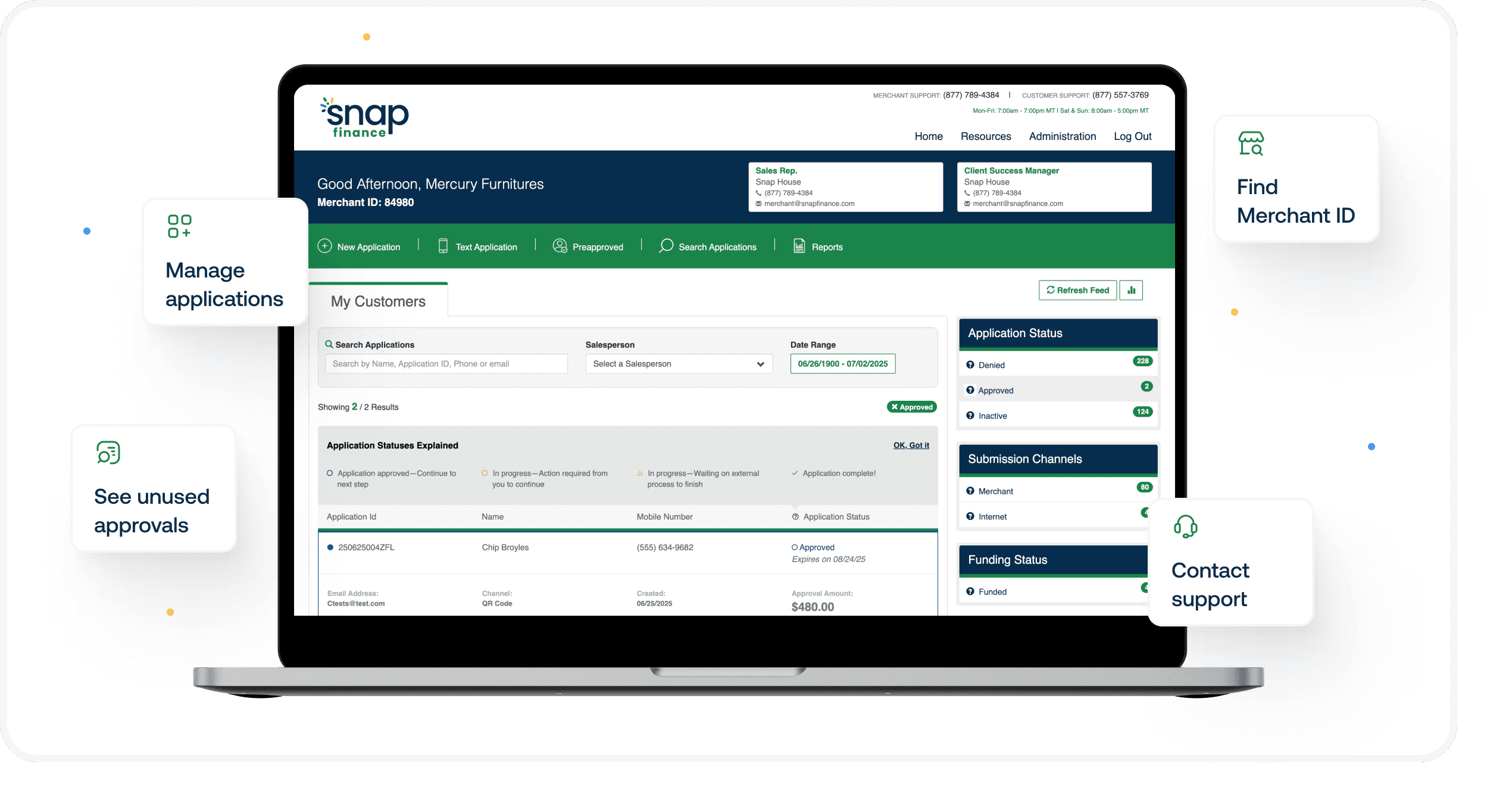
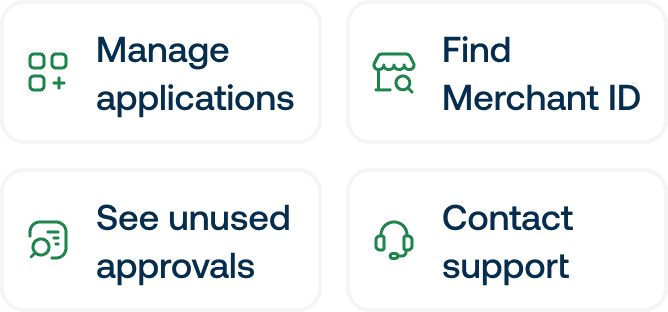
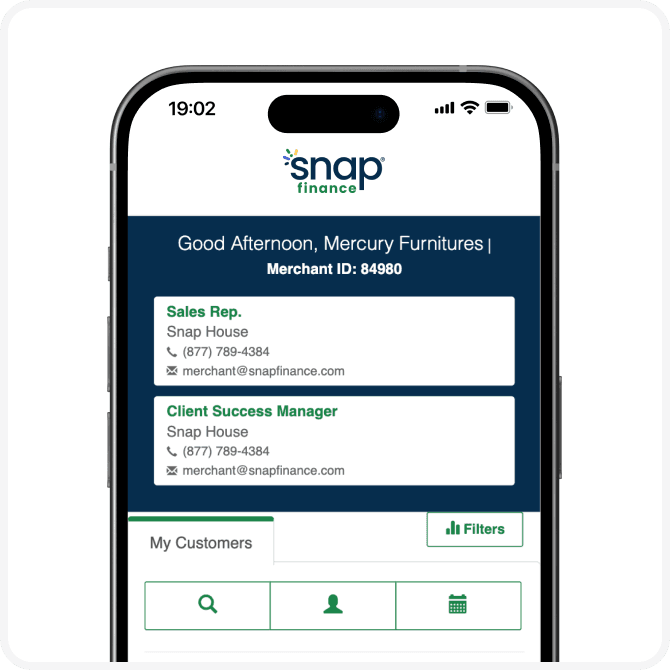
How to use your Merchant Portal

Take advantage of all the information and tools at your fingertips in the Merchant Portal.

Four labeled buttons: "Manage applications," "Find Merchant ID," "See unused approvals," and "Contact support," each with related icons.Mobile screen showing a Snap Finance app interface with contact details for a sales rep and client success manager.

What’s next?

1.

Start talking about Snap Loan to your customers.

2.

Take advantage of in-store and digital POP marketing materials. Ask your sales representative if you don’t yet have them.

3.

Questions? Contact your Client Success Manager or call our Merchant Support team at 877-789-4384.

1.

Start talking about Snap Loan to your customers.

2.

Take advantage of in-store and digital POP marketing materials. Ask your sales representative if you don’t yet have them.

3.

Questions? Contact your Client Success Manager or call our Merchant Support team at 877-789-4384.

Disclosures

The advertised financing may be originated by one of several lenders.All loans or retail installment contracts originated by our lending partners will be serviced by Snap Finance LLC. For more detailed information, please visit snapfinance.com/legal/products.

1 Not all applicants are approved. Approvals subject to underwriting qualification criteria.

© 2026 Snap Finance®

For Customers

How It Works
Find a Store
Customer Help
Blog

For Customers

  • How It Works
  • Find a Store
  • Customer Help
  • Blog

For Business

Snap for Your Business
For Developers
Business Help
eBook & Research Library
Business Blog

For Business

  • Snap for Your Business
  • For Developers
  • Business Help
  • eBook & Research Library
  • Business Blog

Browse Stores

Wheel and Tire Financing
Furniture Financing
Appliance Financing
Mattress Financing
Computer Financing
Car Audio Financing
Jewelry Financing

Browse Stores

  • Wheel and Tire Financing
  • Furniture Financing
  • Appliance Financing
  • Mattress Financing
  • Computer Financing
  • Car Audio Financing
  • Jewelry Financing

About Snap

About Us
Products
Life At Snap
Careers
Corporate Social Responsibility
Newsroom

About Snap

  • About Us
  • Products
  • Life At Snap
  • Careers
  • Corporate Social Responsibility
  • Newsroom
PrivacyWebsite Terms of UseProductsAccessibilityApplication Terms & ConditionsCookie Preferences

© 2026 Snap Finance®

For Customers

How It Works
Find a Store
Customer Help
Blog

For Customers

  • How It Works
  • Find a Store
  • Customer Help
  • Blog

For Business

Snap for Your Business
For Developers
Business Help
eBook & Research Library
Business Blog

For Business

  • Snap for Your Business
  • For Developers
  • Business Help
  • eBook & Research Library
  • Business Blog

Browse Stores

Wheel and Tire Financing
Furniture Financing
Appliance Financing
Mattress Financing
Computer Financing
Car Audio Financing
Jewelry Financing

Browse Stores

  • Wheel and Tire Financing
  • Furniture Financing
  • Appliance Financing
  • Mattress Financing
  • Computer Financing
  • Car Audio Financing
  • Jewelry Financing

About Snap

About Us
Products
Life At Snap
Careers
Corporate Social Responsibility
Newsroom

About Snap

  • About Us
  • Products
  • Life At Snap
  • Careers
  • Corporate Social Responsibility
  • Newsroom
PrivacyWebsite Terms of UseProductsAccessibilityApplication Terms & ConditionsCookie Preferences